> ## Documentation Index
> Fetch the complete documentation index at: https://julius.ai/docs/llms.txt
> Use this file to discover all available pages before exploring further.
# Troubleshooting
> Resolve common issues in Julius, from file uploads to login problems, system errors, and account access. This page covers the most reported technical issues users face and provides practical solutions to get back on track quickly.
## Common Issues and Troubleshooting Steps:
Click 'Connected' on the top right then 'Expand Resources' to increase your RAM. If you're still running into crashes, reset your container and click 'Restart Container' in the pop-up box.
Please note that Factory Reset will completely reset your account and permanently delete all uploaded files and memory.
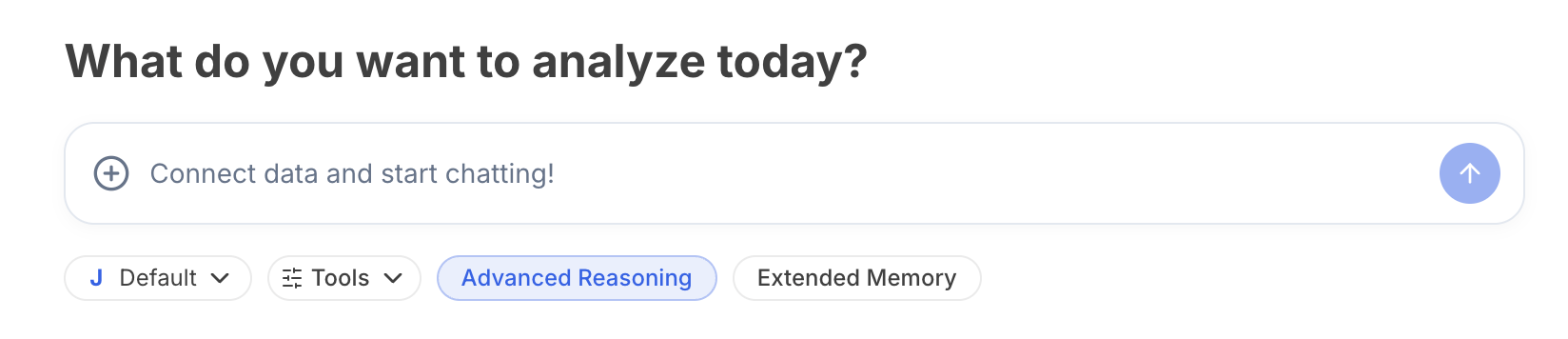 AI will sometimes do something called 'hallucinating' when it starts to go into loops and can't produce an output.
Try to reword the prompt to be more specific and have more detail to help guide Julius.
If there have been multiple crashes, it's best to start a new thread from scratch so the AI can refresh and restart to provide a better output.
The code can sometimes get sent to your spam email.
If it's not in your spam, send us and email at [team@julius.ai](mailto:team@julius.ai).
If you're unable to click and download files/visualizations from Julius directly, try the following troubleshooting steps:
* look for the file in your available files
* try refreshing the browser
* ask Julius to reproduce the document for you
These troubleshooting topics are based on over 340 user conversations. We’re continually expanding this section based on your feedback. If you're experiencing an issue not covered here, email us at [team@julius.ai](mailto:team@julius.ai).
AI will sometimes do something called 'hallucinating' when it starts to go into loops and can't produce an output.
Try to reword the prompt to be more specific and have more detail to help guide Julius.
If there have been multiple crashes, it's best to start a new thread from scratch so the AI can refresh and restart to provide a better output.
The code can sometimes get sent to your spam email.
If it's not in your spam, send us and email at [team@julius.ai](mailto:team@julius.ai).
If you're unable to click and download files/visualizations from Julius directly, try the following troubleshooting steps:
* look for the file in your available files
* try refreshing the browser
* ask Julius to reproduce the document for you
These troubleshooting topics are based on over 340 user conversations. We’re continually expanding this section based on your feedback. If you're experiencing an issue not covered here, email us at [team@julius.ai](mailto:team@julius.ai).