
Start a Notebook from scratch
Start a Notebook from scratch
You can also build your Notebook from scratch!
1
Step 1
Navigate to My Notebooks
2
Step 2
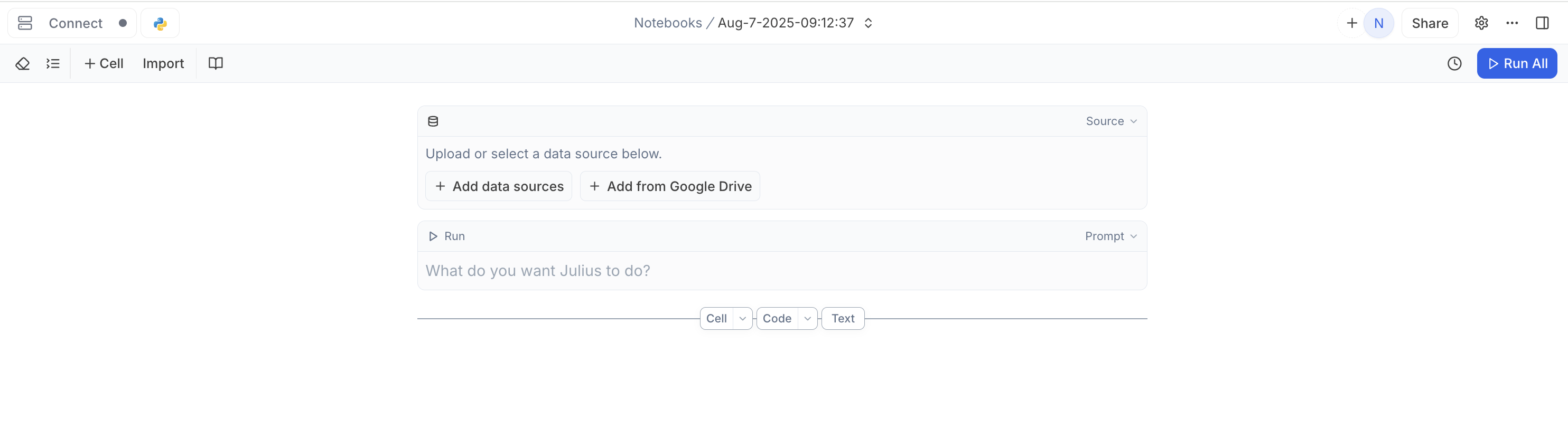
Click + New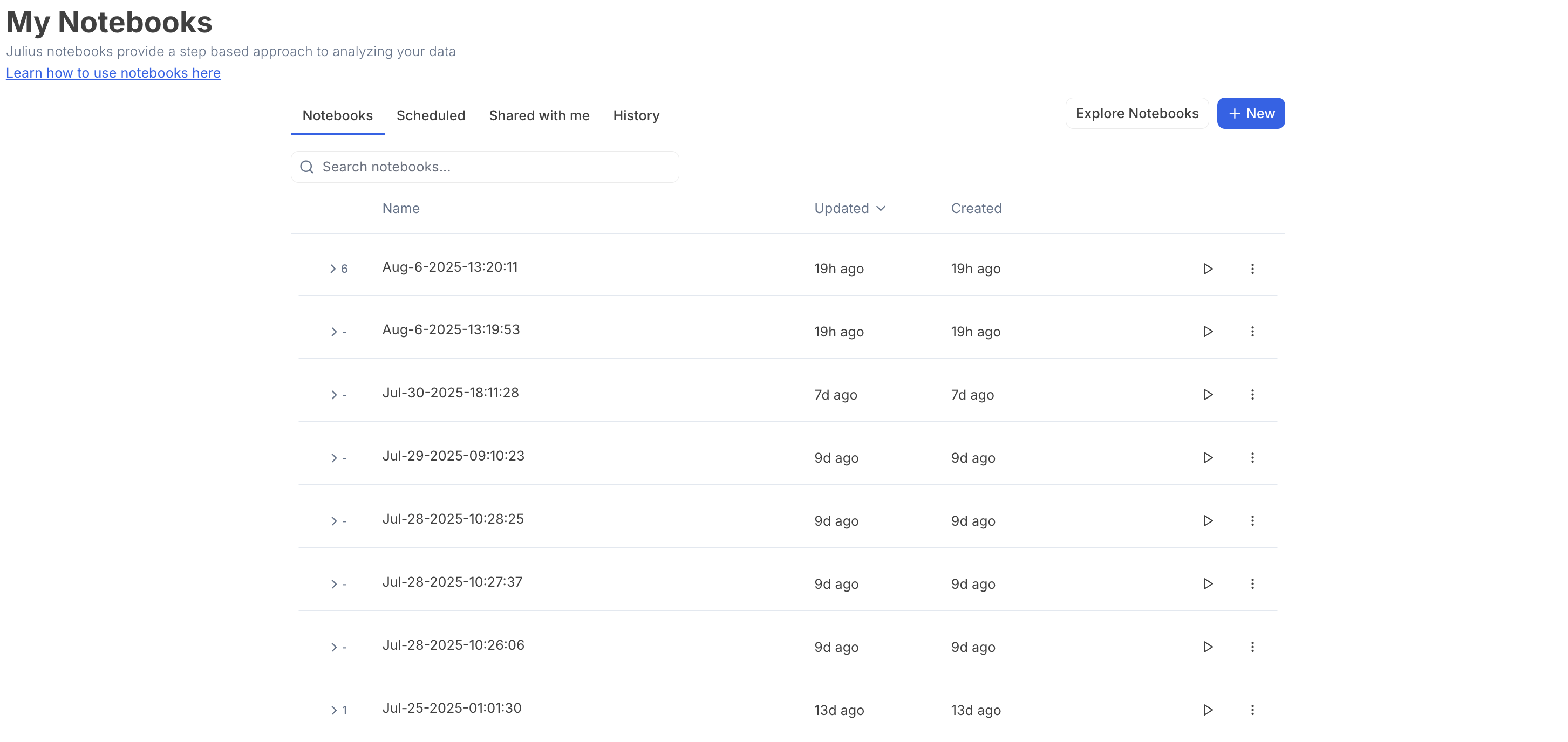
Use an existing Notebook
Use an existing Notebook
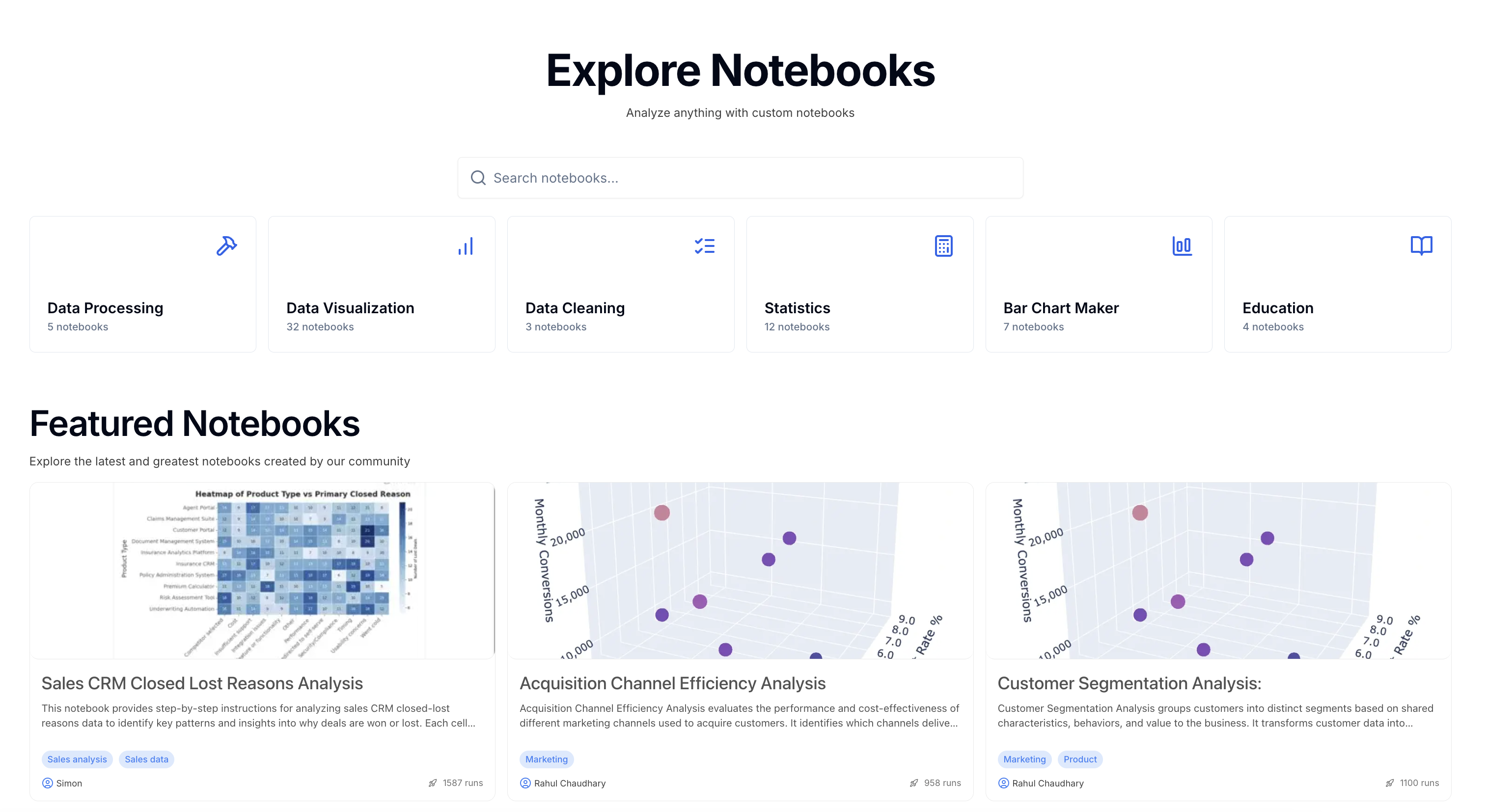
You can copy an existing Notebook from the Explore Notebooks page.
1
Step 1
Navigate to the Explore Notebooks page
2
Step 2
Find and select the Notebook that closely resembles your use-case.
3
Step 3
Click Run Notebook
4
Step 4
This will create a copy of the Notebook in your personal Workspace that you can now edit! 🎉
Import a Jupyter Notebook
Import a Jupyter Notebook
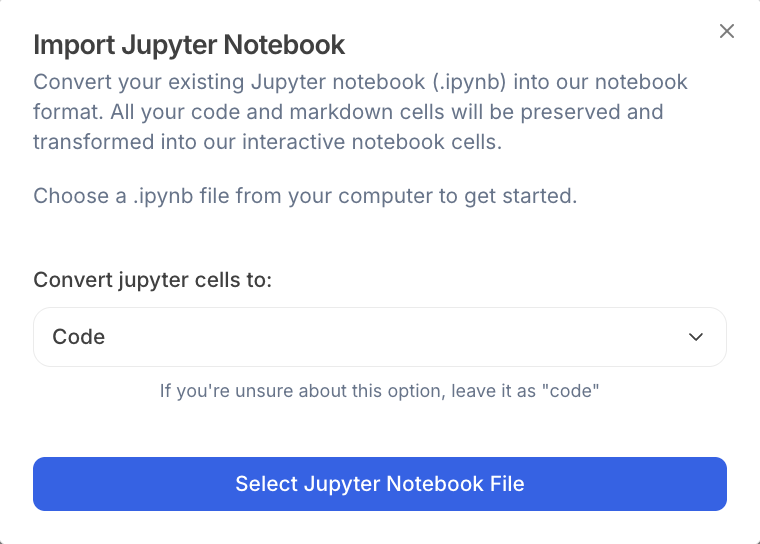
You can convert your existing Jupyter notebook (.ipynb) into our Notebook format.All your code and markdown cells will be preserved and transformed into our interactive Notebook cells.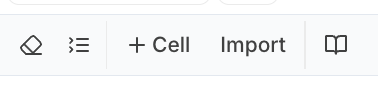
1
Select Import
2
Choose a .ipynb file from your computer to get started.
Reach out to team@julius.ai for support or to ask questions not answered in our documentation.