> ## Documentation Index
> Fetch the complete documentation index at: https://julius.ai/docs/llms.txt
> Use this file to discover all available pages before exploring further.

# Overview

> Looking to collaborate with colleagues or coworkers? Teams allows you to share a workspace, giving you the ability to seamlessly share Notebooks and conversations!

<CardGroup cols={2}>
  <Card title="Creating a Team" icon="hand-holding-seedling" href="/teams/setup/creating-a-team">
    Create a team workspace to easily share files, threads, and notebooks, and customize how your team uses Julius.
  </Card>

  <Card title="Manage your Team" icon="screwdriver-wrench" href="/teams/management/settings-overview">
    Customize how you and your organization work on Julius - from auto sharing notebooks to role based access controls.
  </Card>

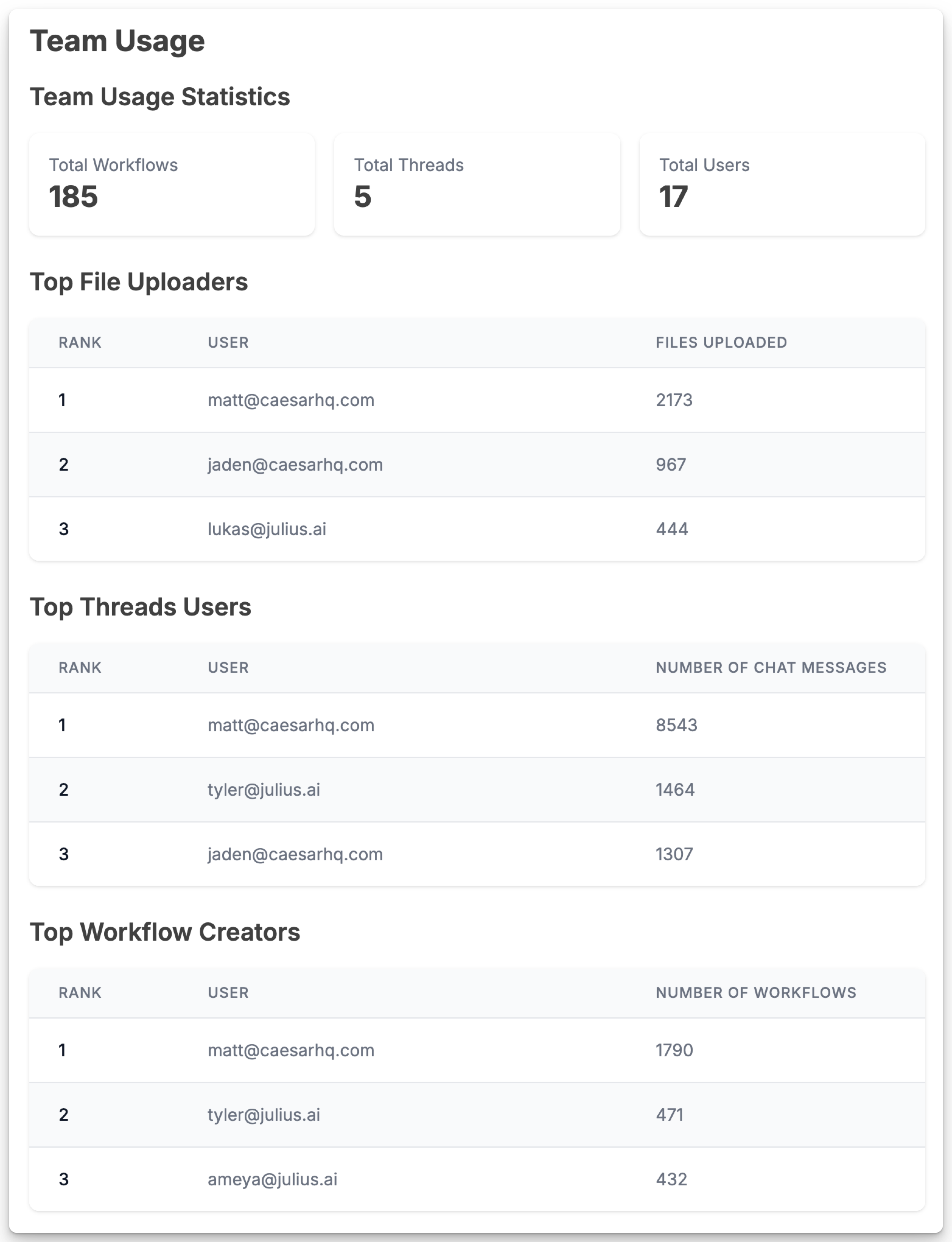
  <Card title="View Team Usage Analytics" icon="chart-area" href="/teams/management/teams-usage-dashboard">
    Use the **Team Usage** page to see how your team is using Julius today
  </Card>

  <Card title="Create Sub Teams" icon="people-group" href="/teams/setup/sub-teams">
    Create focused sub-workspaces like Marketing, Engineering, or Design, each with their own dedicated workspace
  </Card>

  <Card title="Secure your Team" icon="lock-keyhole" href="/teams/management/security-settings">
    Require users on your team to set up two factor authentication, securing your team workspace.
  </Card>
</CardGroup>

<Frame caption="Invite your team and start collaborating in your own Teams Workspace!">
  <img src="https://mintcdn.com/julius-d061c216/W7ld6MC9LVObxmGH/images/teams/team-usage-dashboard-preview.png?fit=max&auto=format&n=W7ld6MC9LVObxmGH&q=85&s=63eea9dd8ce4d94ed74c76b90b5c6448" alt="" className="mx-auto" style={{ width:"50%" }} width="3128" height="4080" data-path="images/teams/team-usage-dashboard-preview.png" />
</Frame>
