Step-by-Step Walkthrough
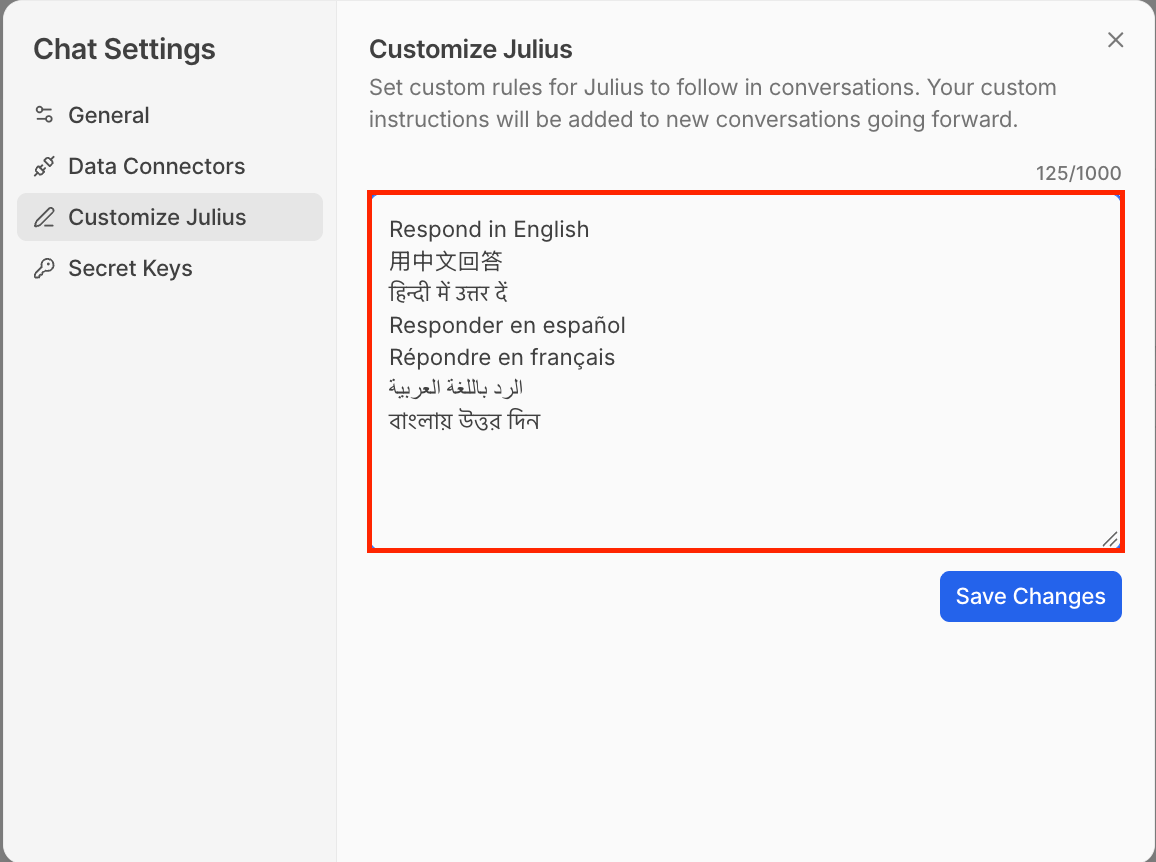
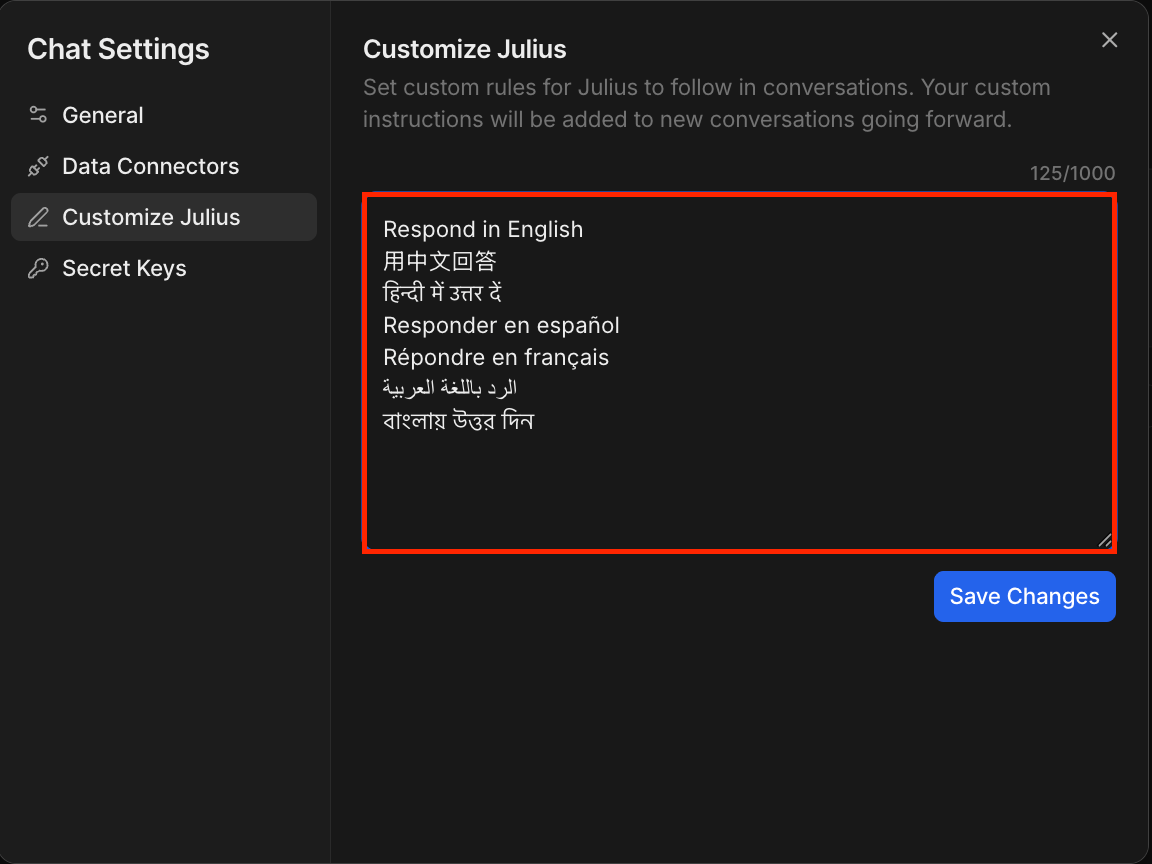
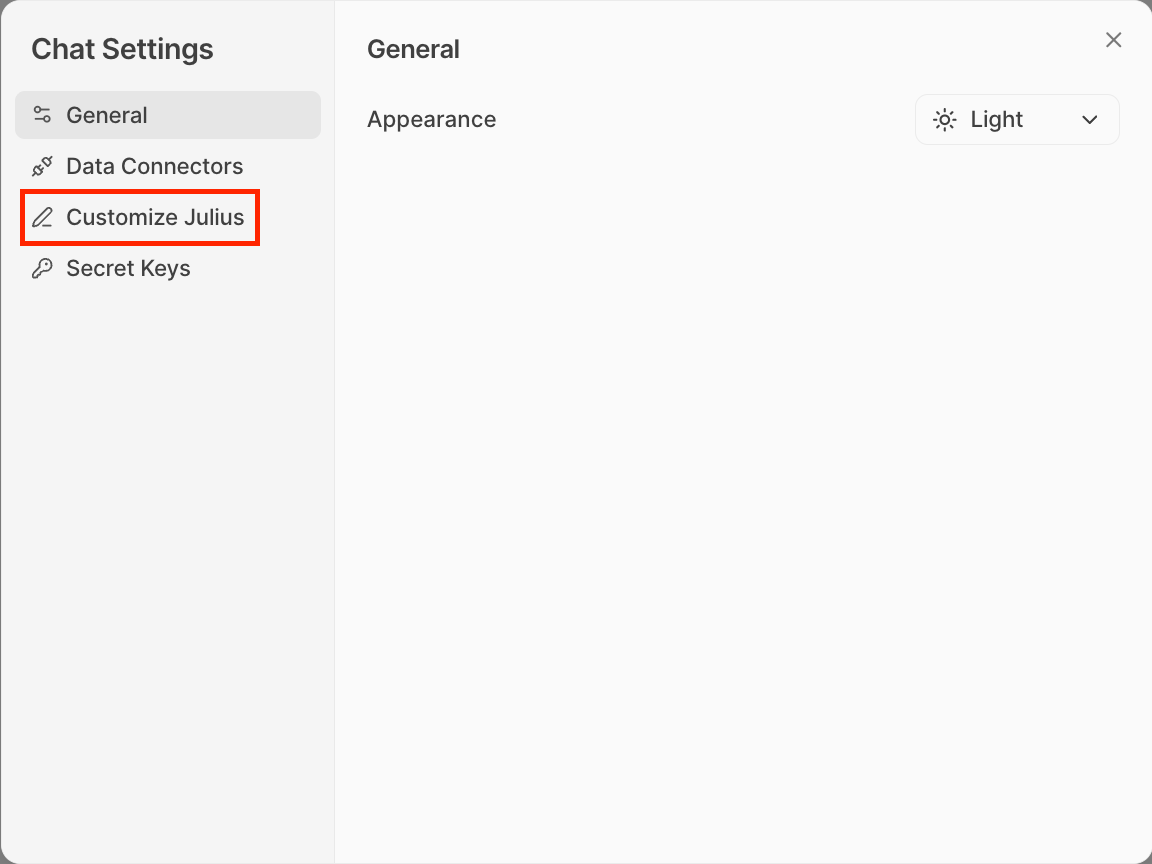
You can ask Julius to reply in a particular language in the conversation. To save a lasting preference, open the gear icon → Customize Julius, enter an instruction such as “Respond in Portuguese,” and save your changes. This changes Julius’s replies, not the language of the app interface.1
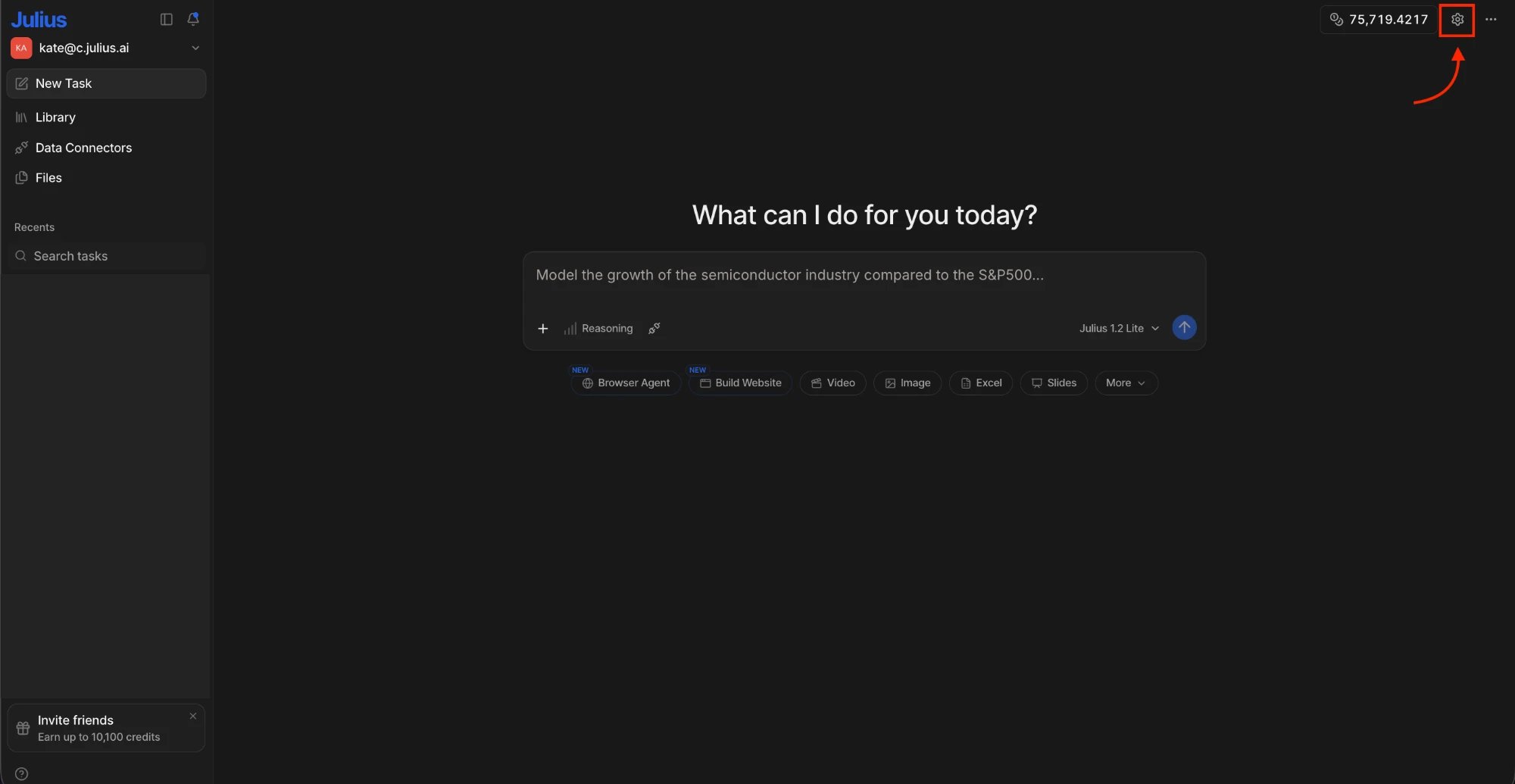
Navigate to Chat Settings
The chat settings can be found in the upper-right corner of the page, displayed as a gear icon.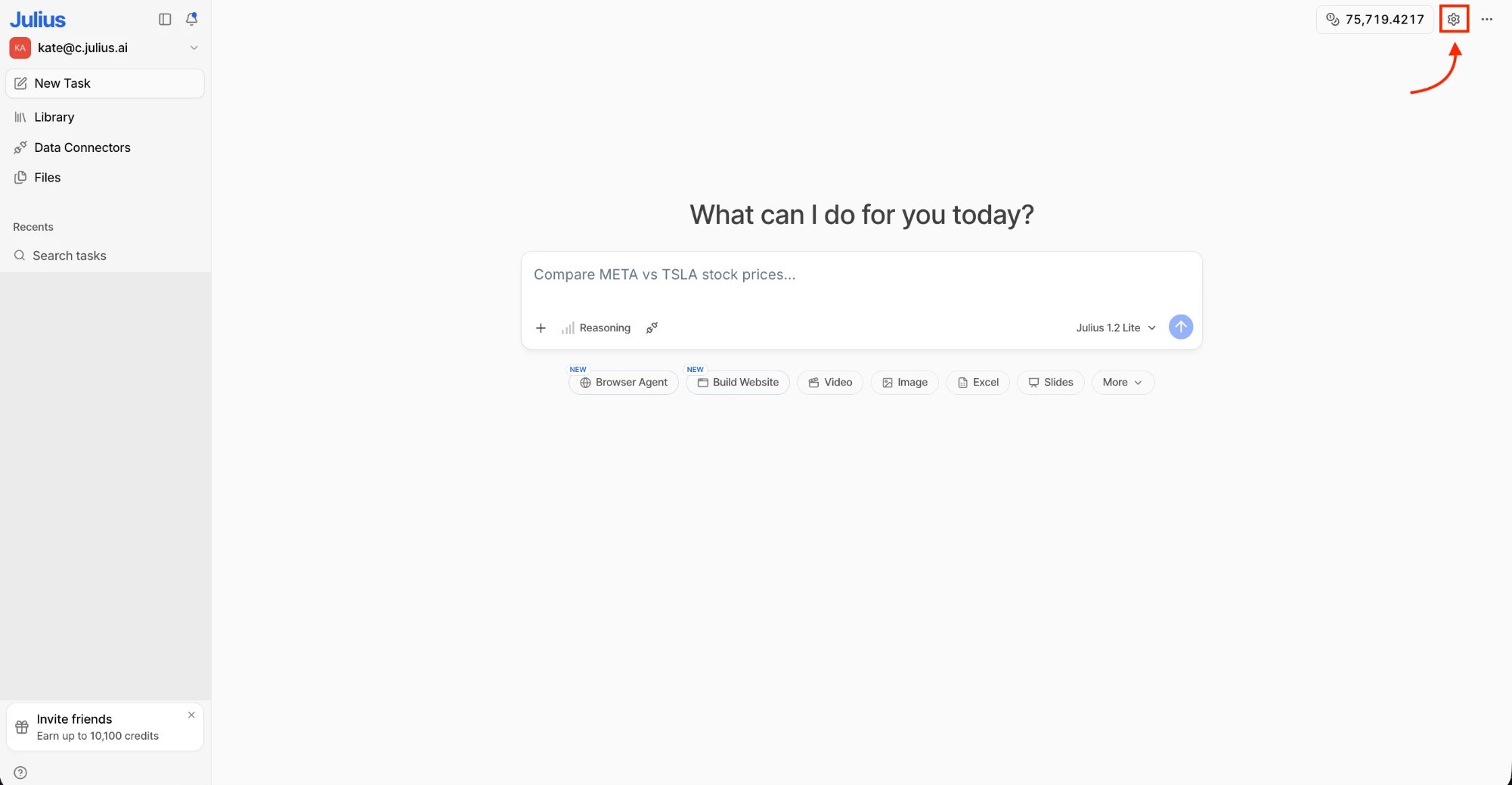
2
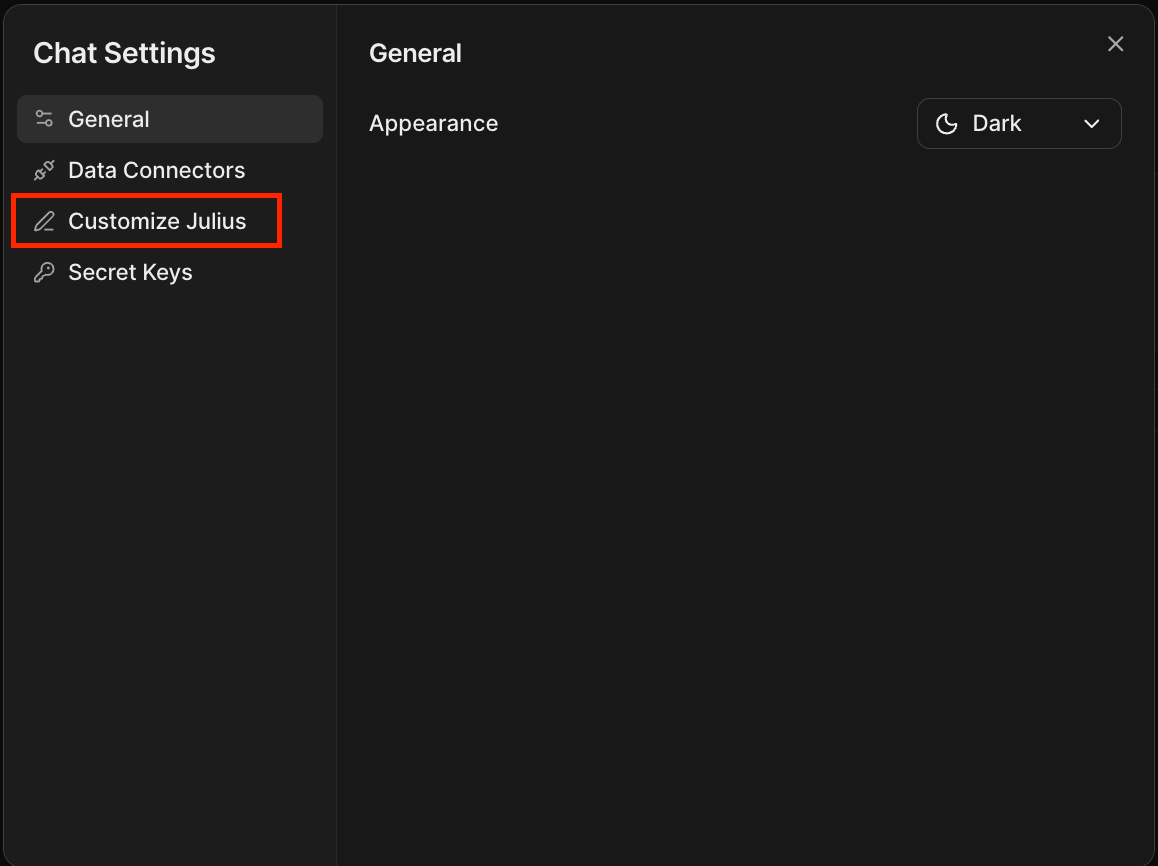
Click Customize Julius
3
Specify the Response Language
Specify the language you would like Julius to reply in by typing your instruction into the instructions box, then save your changes.