
1
Find the Edit Option
Click the kebab menu and select Edit from the dropdown
2
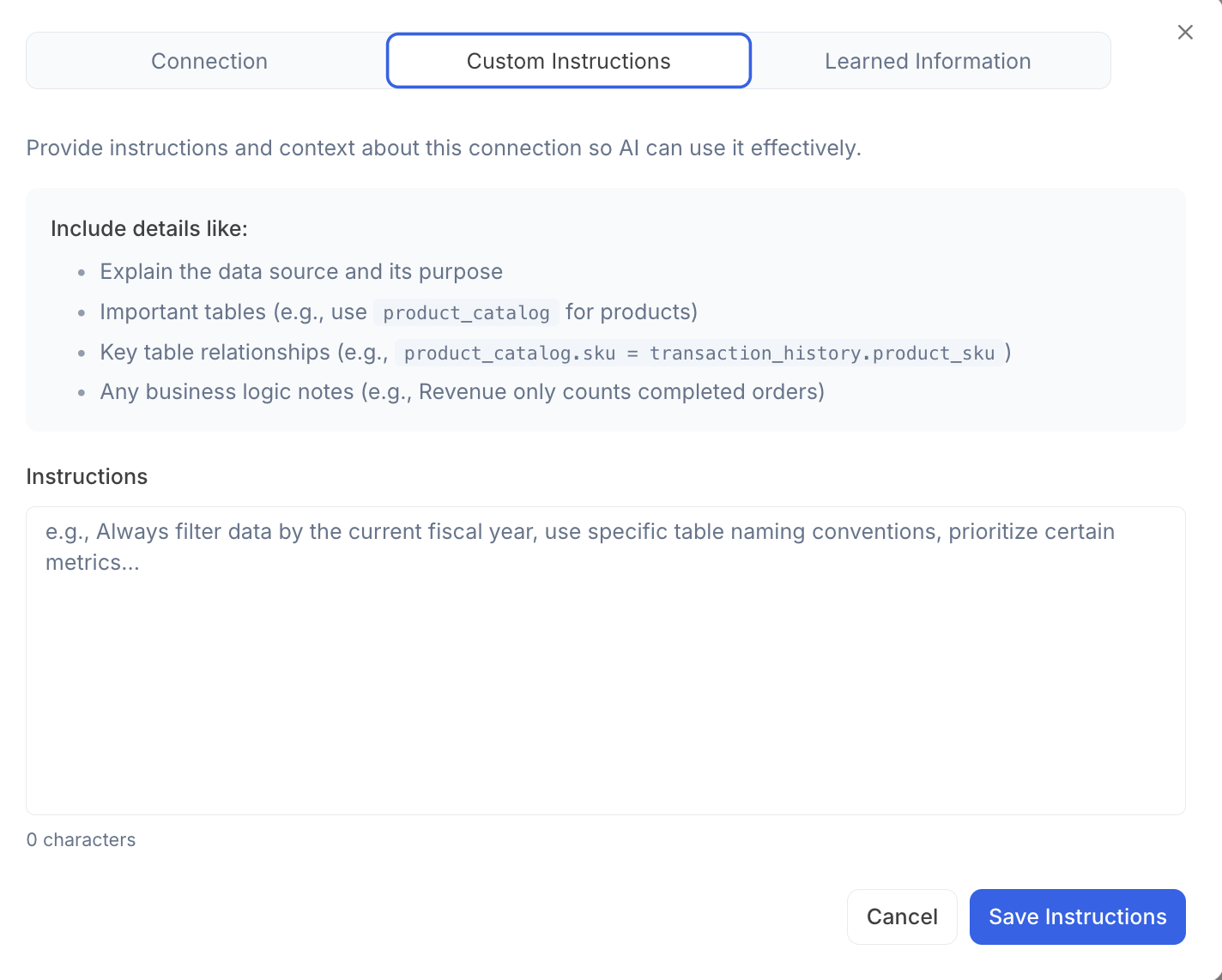
Navigate to the Custom Instructions Tab
3
Include Details about your Connection
For example:
- A description of the data source and its intended use
- Key tables involved (e.g., use
product_catalogfor product information) - Important relationships between tables (e.g.,
product_catalog.sku=transaction_history.product_sku) - Notes on relevant business logic (e.g., only count revenue from completed orders)
Reach out to team@julius.ai for support or to ask questions not answered in our documentation.